To fix SaunaLogic Bluetooth pairing, first identify whether the connection fails during scanning, pairing, or bonding. These stages form a multi-step Bluetooth transaction, and choosing the wrong failure point leads to repeated troubleshooting or unnecessary component replacement. Most connection failures come from predictable physical or protocol-level events rather than a defective transceiver.
Diagnosing Your Specific Connection Failure Mode
Before attempting any physical adjustments, you must identify where the communication breakdown occurs within the Bluetooth protocol state machine. Wireless pairing is not a single, monolithic action; it is a highly orchestrated multi-stage transaction consisting of scanning, pairing, and bonding. Misdiagnosing the specific failure point leads to redundant troubleshooting and unnecessary component replacements.
First, determine if your host device (such as your smartphone or tablet) is stuck in the Scanning Phase. During this initial step, the SaunaLogic controller acts as a peripheral device, continuously broadcasting its identity via Advertising Packets. If your smartphone's Bluetooth interface cannot even discover the 'SaunaLogic' identifier in the available device list, the host is failing to capture these passive advertising frames.
Second, analyze the Pairing Phase. If the SaunaLogic identifier appears and you initiate a connection, but the screen displays a spinning wheel before returning a 'Connection Timeout' or 'Pairing Rejected' error, you are experiencing a handshake failure. During this phase, the physical connection is established, but the security manager protocol (SMP) is failing to exchange cryptographic keys. This protocol-level mismatch is frequently caused by a corrupted link key cache on either the host or the client controller.
Third, evaluate the Bonding Phase. If your device previously paired successfully but now fails to reconnect automatically when you enter the sauna cabin, the long-term cryptographic keys saved in non-volatile memory have become desynchronized. Understanding these distinct phases allows you to bypass generic 'on-and-off' troubleshooting and target the exact failure point in the wireless stack.
Eliminating Adjacent Channel Wi-Fi Interference
The primary physical culprit behind Bluetooth failures is local radio frequency (RF) congestion. Bluetooth Classic and Bluetooth Low Energy (BLE) operate within the unlicensed 2.4 GHz ISM band (2400 MHz to 2483.5 MHz). This frequency spectrum is incredibly crowded, shared not only by Bluetooth but also by household Wi-Fi networks, baby monitors, and microwave ovens.
Bluetooth Classic attempts to mitigate this congestion by using Adaptive Frequency Hopping (AFH). It divides the 2.4 GHz spectrum into 79 distinct channels, each 1 MHz wide, and hops between them up to 1,600 times per second. If a channel experiences high packet loss, the AFH algorithm dynamically flags that frequency as 'bad' and removes it from the hopping sequence. However, if your home Wi-Fi router is positioned close to your sauna, it may be broadcasting on a wide 20 MHz or 40 MHz channel (specifically Wi-Fi channels 1, 6, or 11). This massive spectral footprint can overwhelm the AFH algorithm, causing repeated transmission timeouts.
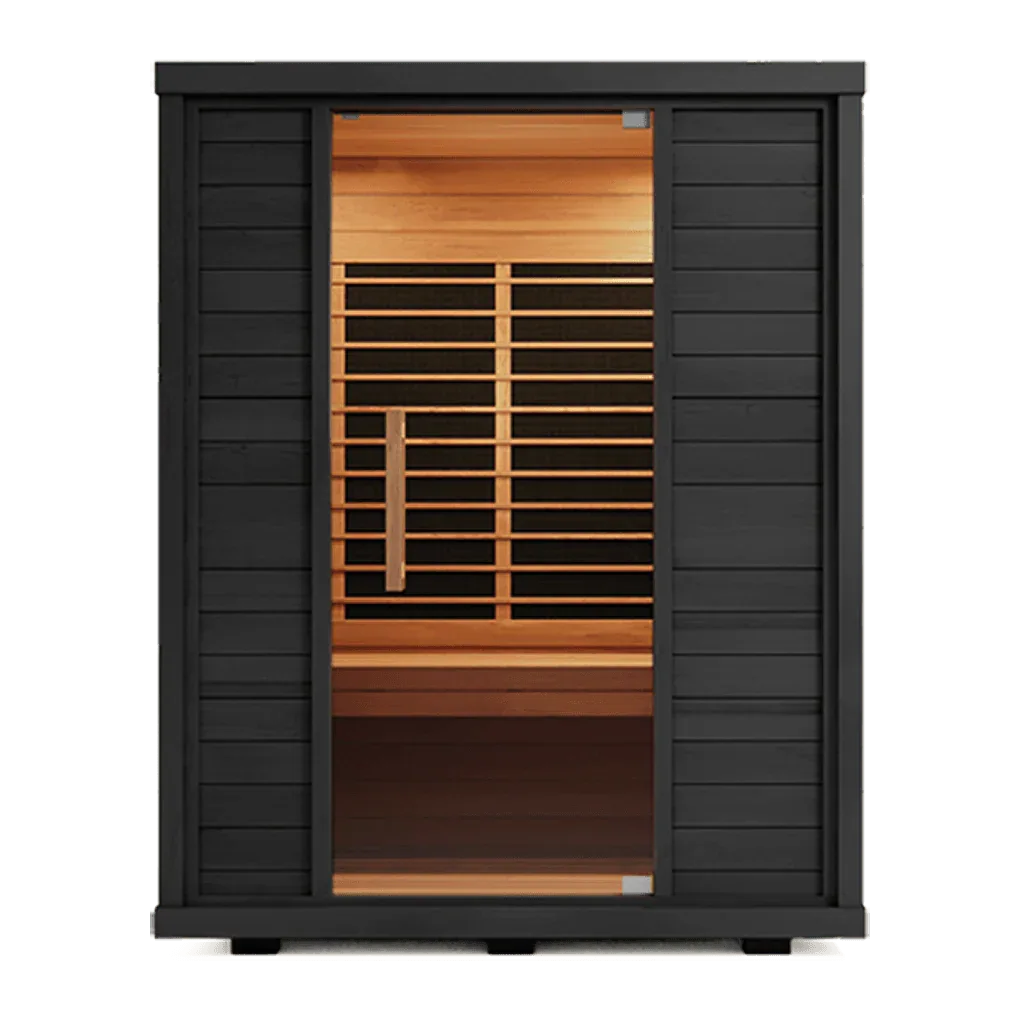
To resolve this adjacent-channel interference, you must audit your local network topology. If your Wi-Fi router is operating on a 2.4 GHz band with auto-channel selection, it may have migrated to a channel that overlaps directly with the SaunaLogic's advertising channels (which reside at 2402 MHz, 2426 MHz, and 2480 MHz). Configuring your router to restrict its 2.4 GHz transmission to a fixed, non-overlapping channel, or migrating your high-bandwidth home devices exclusively to the 5 GHz or 6 GHz bands, drastically clears the local airwaves. This spectral housekeeping reduces the Packet Error Rate (PER) of your sauna's receiver, allowing the delicate handshakes of premium systems like the Sun Home Equinox Sun Home Saunas to process without packet dropouts.
Resetting the Controller Stack via Power Cycle
When a Bluetooth transceiver experiences continuous interference or corrupted packet exchanges, its embedded microprocessor can enter an unhandled execution state. The transceiver inside your sauna's control box, typically a solid SoC (System on Chip) like a Nordic Semiconductor or Texas Instruments controller, runs its own dedicated firmware stack. Over time, memory leaks, unhandled GATT (Generic Attribute Profile) exceptions, or incomplete pairing attempts can saturate the controller's heap memory, rendering it unresponsive to new connection requests.
Simply turning off the sauna's digital control pad does not resolve this issue. Most modern sauna control pads only put the display interface into a low-power standby mode while keeping the primary controller board and its Bluetooth radio energized. To clear the controller's volatile Random Access Memory (RAM) and force a true hardware reboot, you must perform a complete cold power cycle.
Locate the main power source of your sauna. For larger, therapeutic cabin installations, this is typically a dedicated 240V double-pole circuit breaker in your home's main electrical panel. For smaller, highly efficient configurations like a portable infrared setup or an Infrared Sauna Blanket , this involves physically unplugging the GFCI power cord from the wall outlet. Disconnect all electrical power from the system and wait a full 60 to 90 seconds. This duration allows the filter capacitors on the internal control board to fully discharge, draining all residual voltage from the Bluetooth microprocessor's registers. Once re-energized, the firmware stack boots from its read-only flash memory in a pristine, unfragmented state, ready to broadcast clean advertising packets.
Verifying Packet Integrity with a BLE Sniffer
If a cold power cycle fails to restore connectivity, you must transition from blind troubleshooting to active diagnostics. You need to verify if the SaunaLogic controller is physically transmitting advertising packets into the air. This can be accomplished easily and free of charge using a smartphone-based BLE packet analyzer, such as the nRF Connect for Mobile application.
Download the application and launch it while standing directly next to your powered-on sauna. Initiate a scan within the app to view a real-time list of all raw 2.4 GHz broadcasts in your vicinity. Look for a device broadcasting with the name 'SaunaLogic' or displaying a matching MAC address prefix.
If the device appears in the scanning list, examine its RSSI (Received Signal Strength Indicator) value, expressed in decibels relative to one milliwatt (dBm). A healthy, close-range signal should register between -30 dBm and -60 dBm. If the RSSI is lower than -80 dBm despite you standing right next to the cabin, the internal antenna on the controller board may be poorly oriented, disconnected, or shielded. If the device does not appear in the scanner list at all, the Bluetooth transceiver module is either unpowered, its local oscillator has failed, or its firmware is locked in an infinite bootloop that prevents it from entering the advertising state.
Overcoming RF Attenuation of Cedar Wood
The premium wood used to build high-end saunas is an exceptional thermal insulator, but it also presents a unique challenge to high-frequency radio waves. Western Red Cedar and Canadian Hemlock are rich in organic resins and possess natural moisture content. At 2.4 GHz, cedar has a dielectric constant ($\epsilon_r$) of approximately 2.5 to 3.0.
When high-frequency radio waves pass through a dielectric medium like wood, they undergo refraction, phase shifts, and physical attenuation. A solid, double-walled cedar panel can attenuate a 2.4 GHz signal by 3 dB to 6 dB. If your mobile device is placed outside the sauna on a nearby table, or if your body (which is composed of over 60% water, a major absorber of 2.4 GHz radiation) is positioned directly between your phone and the sauna's controller, the overall link budget can degrade by up to 20 dB.
If your RSSI drops below the critical threshold of -85 dBm, the Bluetooth baseband controller cannot reliably demodulate the incoming signal, leading to abrupt disconnects and pairing failures. To combat this physical limitation, always maintain a clear line-of-sight between your host device and the sauna's control module during the initial pairing phase. Keep your smartphone inside the cabin's designated low-heat, protected accessory pocket, or place it on an external shelf directly adjacent to the glass door or window. Minimizing physical obstructions preserves the integrity of the electromagnetic waves, ensuring your recovery session remains a smooth, uninterrupted sanctuary of sound and therapeutic warmth.
Related Reading
Pros
- Clears congested 2.4 GHz airwaves to ensure a stable, uninterrupted link budget.
- Hardware-level cold boot completely flushes corrupt RAM registers and restores stable firmware.
- Line-of-sight positioning offsets the natural RF attenuation of thick cedar panels.
Cons
- Requires manual access to home circuit breakers for a true hard power cycle on built-in systems.
- Older legacy host devices may still struggle with modern BLE advertising intervals.
Technical Verdict
Wireless pairing issues are not random glitches; they are predictable physical anomalies caused by channel congestion, RAM register saturation, or material attenuation. By systematically executing a hardware power cycle, managing your home's Wi-Fi channel allocation, and maintaining physical line-of-sight, you can permanently protect your auditory and thermal sanctuary.
→ Explore Premium Infrared Saunas